
CAD Comparison
Which CAD fits the job?
Straight answers for contractors, trades, and civil teams: opening DWGs, reading plans, marking as-builts, and choosing tools the crew can actually use.
Match the tool to the job
Most CAD regret comes from buying author seats for people who only need to open a drawing. Start with the work, not the brand name.

View and measure
Project managers and site staff who open DWG, check dimensions, and print PDF (without saving edits), need a free DWG viewer, not a drafting license.
Edit on ordinary PCs
When site laptops and locked office machines must revise plans, browser CAD such as BravoCAD removes install friction and keeps one shared drawing in play.
Full-time drafting
Dedicated drafters with heavy templates, plot styles, and daily production still belong on desktop CAD or AutoCAD LT. Buy seats where the hours justify them.
See the workflows
From the site laptop to the office table, and one clear look at browser CAD such as BravoCAD when you need the UI.


Guides for the work
From tenders and site drawings to office markup: pick a topic that matches the job in front of you.
 Read →
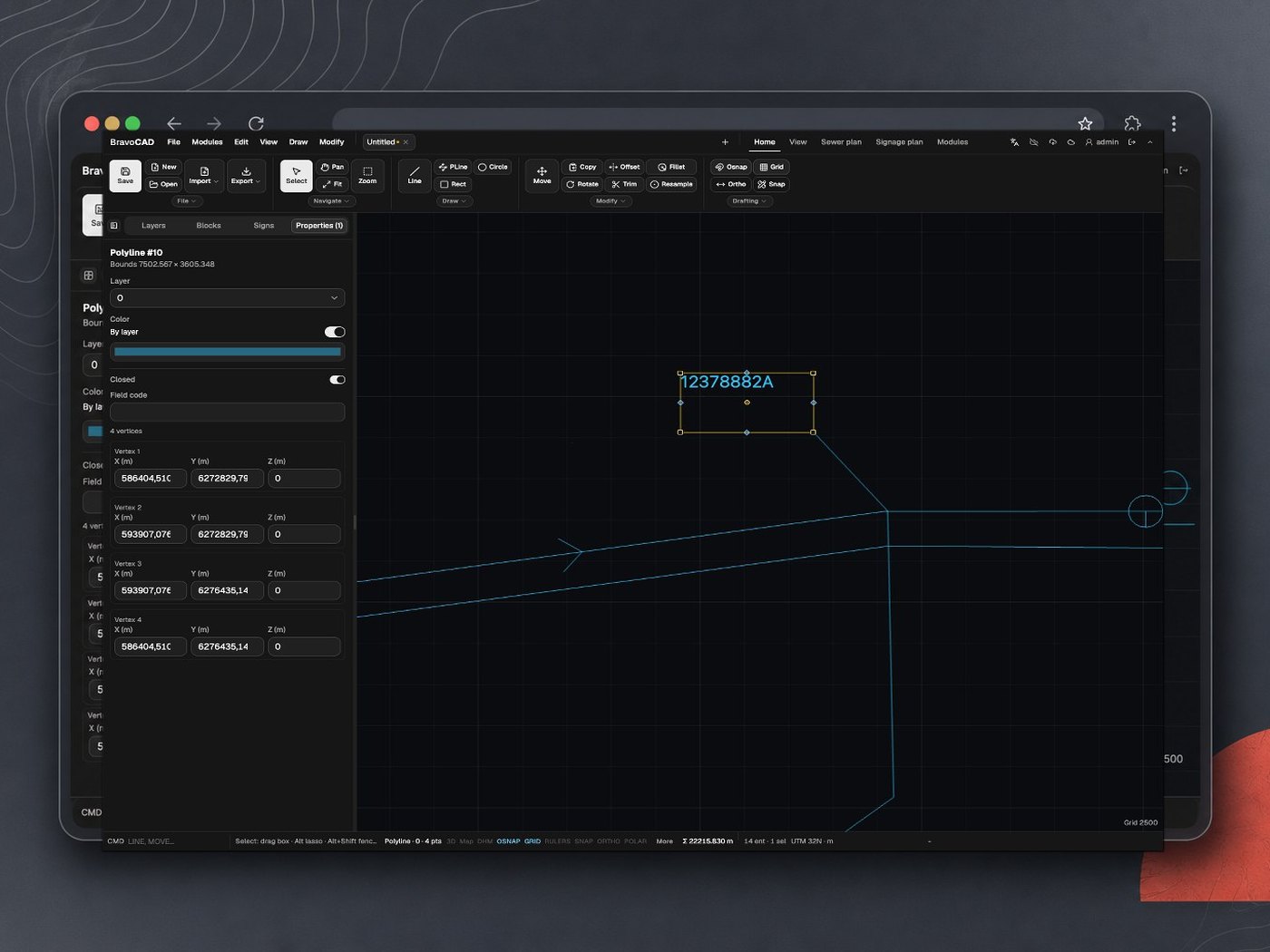
AutoCAD Cost and Price: What Contractors Actually Pay
AutoCAD cost and price for contractors: list prices for AutoCAD and AutoCAD LT (USD/EUR/DKK), named user, Flex, education, seat math, auto-renew traps, and when to look at LT alternatives.
 Read →
AutoCAD LT Alternatives for Contractors: View, Edit, or Full Draft
AutoCAD LT alternatives for contractors: view vs light edit vs full draft, DWG fidelity, BricsCAD, DraftSight, ZWCAD, progeCAD, NanoCAD, free 2D, and browser CAD (e.g. BravoCAD).
- Read →
Cancel or Stop AutoCAD Subscription Renewal
How contractors stop AutoCAD or AutoCAD LT from auto-renewing: Autodesk Account steps, reseller contracts, shutoff stages, and what to put in place before seats expire.
 Read →
Convert DWG to DXF Without AutoCAD
How to convert a consultant DWG to DXF without AutoCAD: ODA File Converter, online upload trade-offs, TrueView limitations, and when browser CAD is the fast path.
- Read →
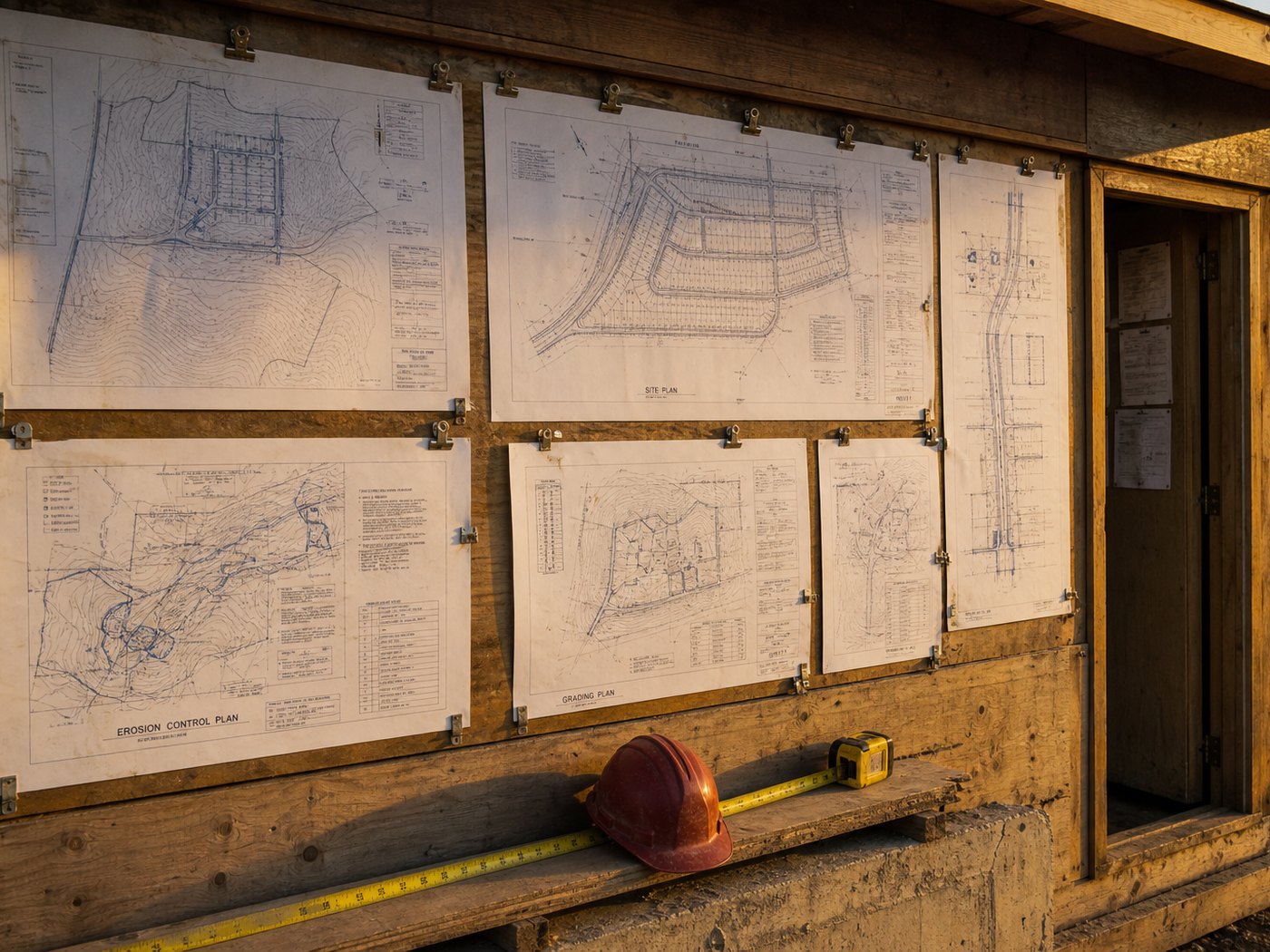
Convert DWG to PDF Without AutoCAD
How to convert DWG to PDF without AutoCAD: TrueView plot basics, batch sheets, online converter trade-offs, common plot failures, and when browser CAD such as BravoCAD beats a dead PDF.
 Read →
DWG Viewer vs Editor: Which Seat Do You Need?
DWG viewer vs editor for contractors: TrueView and free viewers for measure/print, when you need an author seat, and browser CAD (e.g. BravoCAD) for light edits on locked PCs.
- Read →
Free DWG Viewers for Consultant Drawings
Concrete free DWG viewers for consultant drawings: TrueView, Autodesk Viewer, ODA, LibreCAD, FreeCAD, and browser. What they can do, platforms, and catches.
- Read →
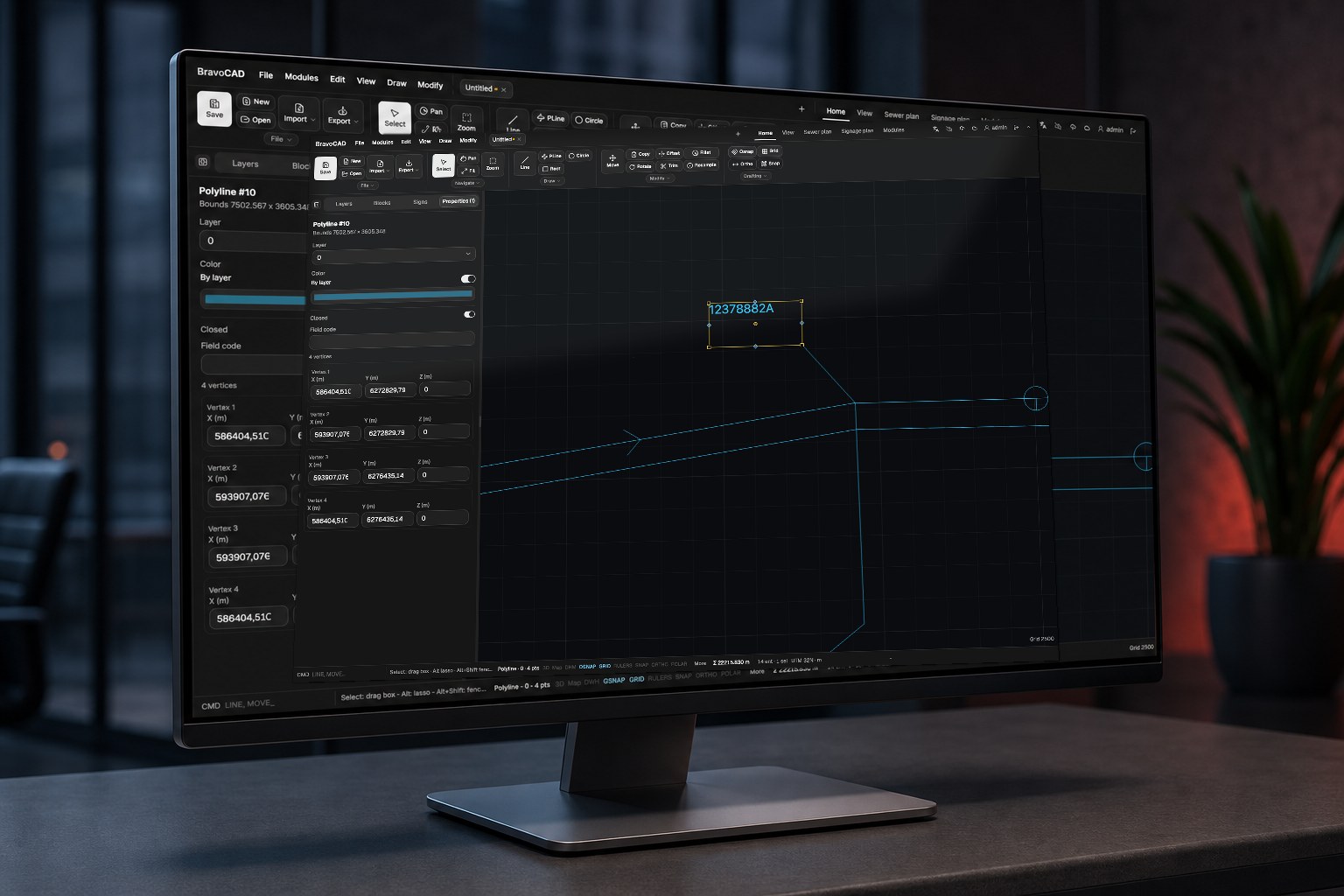
FreeCAD for Construction Drawings: When It Works vs AutoCAD
Is FreeCAD enough for consultant DWG plans? External DWG converters, round-trip limits, FreeCAD vs AutoCAD/LT for contractors, and three practical paths.
 Read →
How Contractors Should Choose CAD Software
A job-first checklist for contractors choosing CAD: view-only vs edit-on-site vs full-time drafting, with DWG, installs, training, and cost criteria.
- Read →
How to Open a DWG Without AutoCAD
Practical ways to open, measure, print, and edit consultant DWG files without buying AutoCAD: viewers, browser CAD (e.g. BravoCAD), and when you still need a desktop seat.
 Read →
The Benefits of Browser-Based CAD
Why browser-based CAD (e.g. BravoCAD) makes sense for field and office: no heavy install, easier sharing, more usable PCs, and why this only became realistic recently.

No articles match that search.
Browser CAD when installs are the bottleneck
BravoCAD is CAD in the browser for contractors and sewer work: open and edit DWG without rolling a heavy desktop package to every machine.
Affiliated with BravoCAD. CAD you can open in the browser.
Visit BravoCAD
Common CAD questions
Short answers teams ask before buying seats or forcing AutoCAD onto every laptop.
Do I need AutoCAD to open a DWG?
No. Free DWG viewers open, measure, and print many consultant files. Browser CAD such as BravoCAD and several desktop tools can also open and save DWG when you need edits.
What is the best AutoCAD LT alternative for contractors?
It depends on the job. Full-time drafters often stay on desktop CAD or LT. Crews that edit plans on ordinary site PCs often get more from browser CAD such as BravoCAD. People who only read drawings should use a free viewer.
When does browser-based CAD make sense?
When installs, updates, and sharing are the bottleneck: site laptops, temporary staff, and office machines that should not carry a full CAD install. Browser CAD such as BravoCAD fits that gap; it still needs internet access.
Is FreeCAD enough for construction drawings?
FreeCAD can help for simple sketches and learning, but heavy consultant DWGs, fixed office print habits, and official edit-back workflows usually need a tool built for that DWG path.
How is CAD Comparison related to BravoCAD?
CAD Comparison is affiliated with BravoCAD. Guides stay criteria-first; BravoCAD is mentioned where browser or civil CAD is on-topic, with affiliation disclosed in the site chrome.